Stop Reasons — /stop-reasons
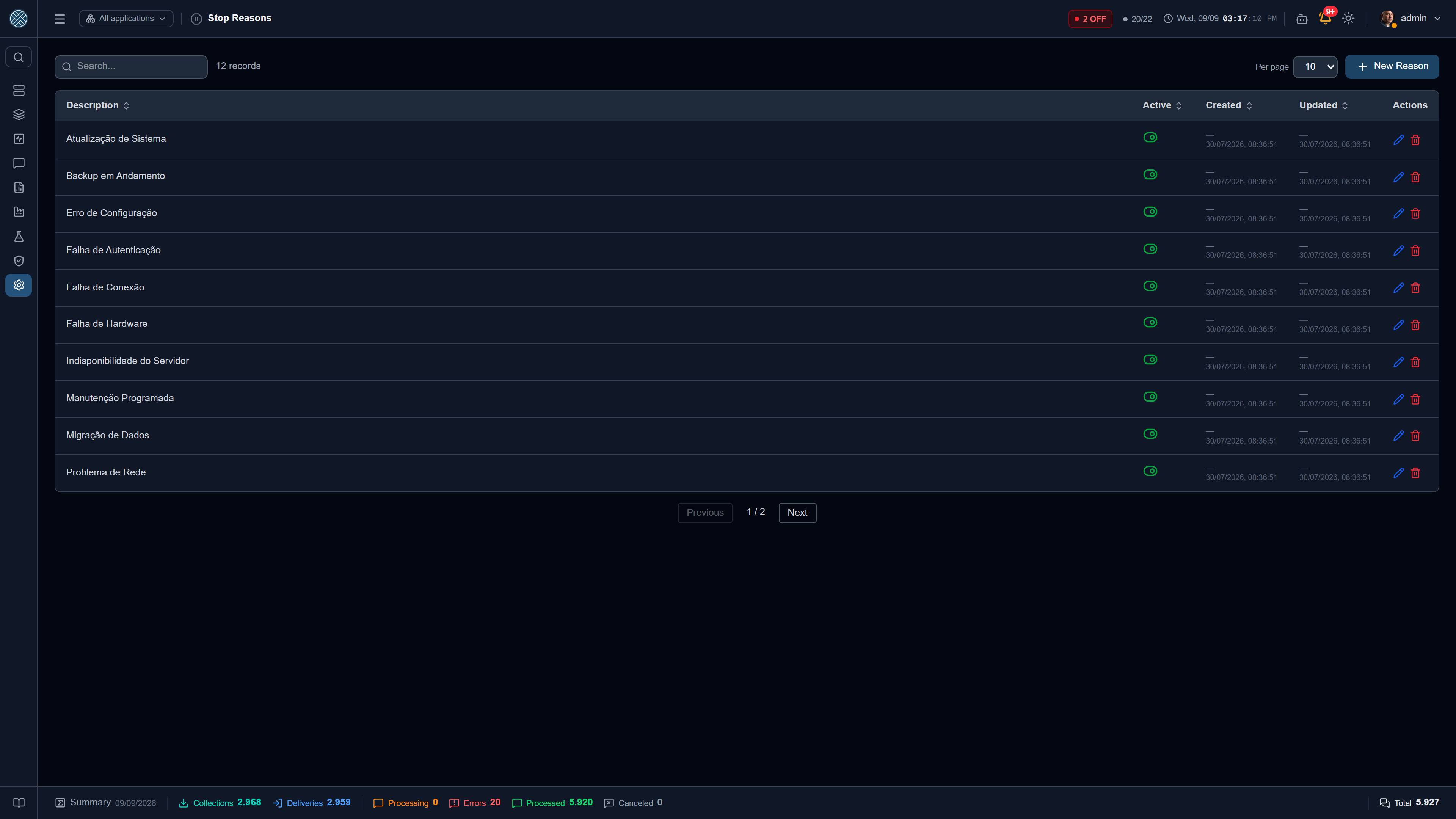
A simple catalogue — description and active/inactive — with one specific purpose: separating planned stops from incidents in the availability indicators.
Why it exists
The Availability report automatically records every window in which an Application was offline. Without context, all those windows weigh the same: a scheduled Saturday-night maintenance drags the indicator down just like a network outage in the middle of production.
Annotating each window with a reason fixes that. The report shows how many stops are justified and how many are not — and a stop with no reason, weeks later, is a stop nobody investigated.
How it is used
- Register here the reasons your plant recognises — “Scheduled maintenance”, “Network outage”, “Production stop”, “Version upgrade”, “Vendor unavailable”.
- In the Availability report, open an Application’s downtime timeline.
- Assign the reason to the window, individually or in bulk, with an optional comment.
Each annotation records who justified it and when — the reason is audit data, not just a label. The list of reasons itself also shows who created and who last changed each one, under the same rule as Connections and Variables.
Keep the list short. A catalogue with thirty reasons becomes thirty ways of saying the same thing, and the report stops grouping anything useful. Prefer deactivating a reason that fell out of use to deleting it: windows already justified with it still make sense.
Permission
The Tool is /stop-reasons. The screen lives in the Settings group of the side menu, right
after Global Variables — it is a catalog registered once that applies to every Application, like
the other items in that group.